
Mauty Hub
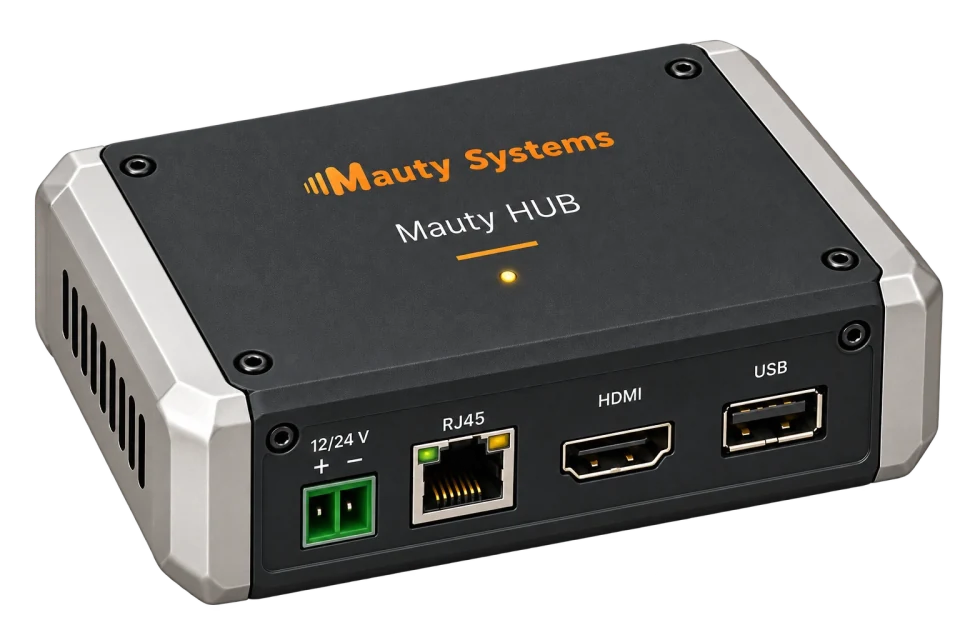
Track battery level, solar generation and energy use. Control compatible equipment from one interface, on board—even without an internet connection.
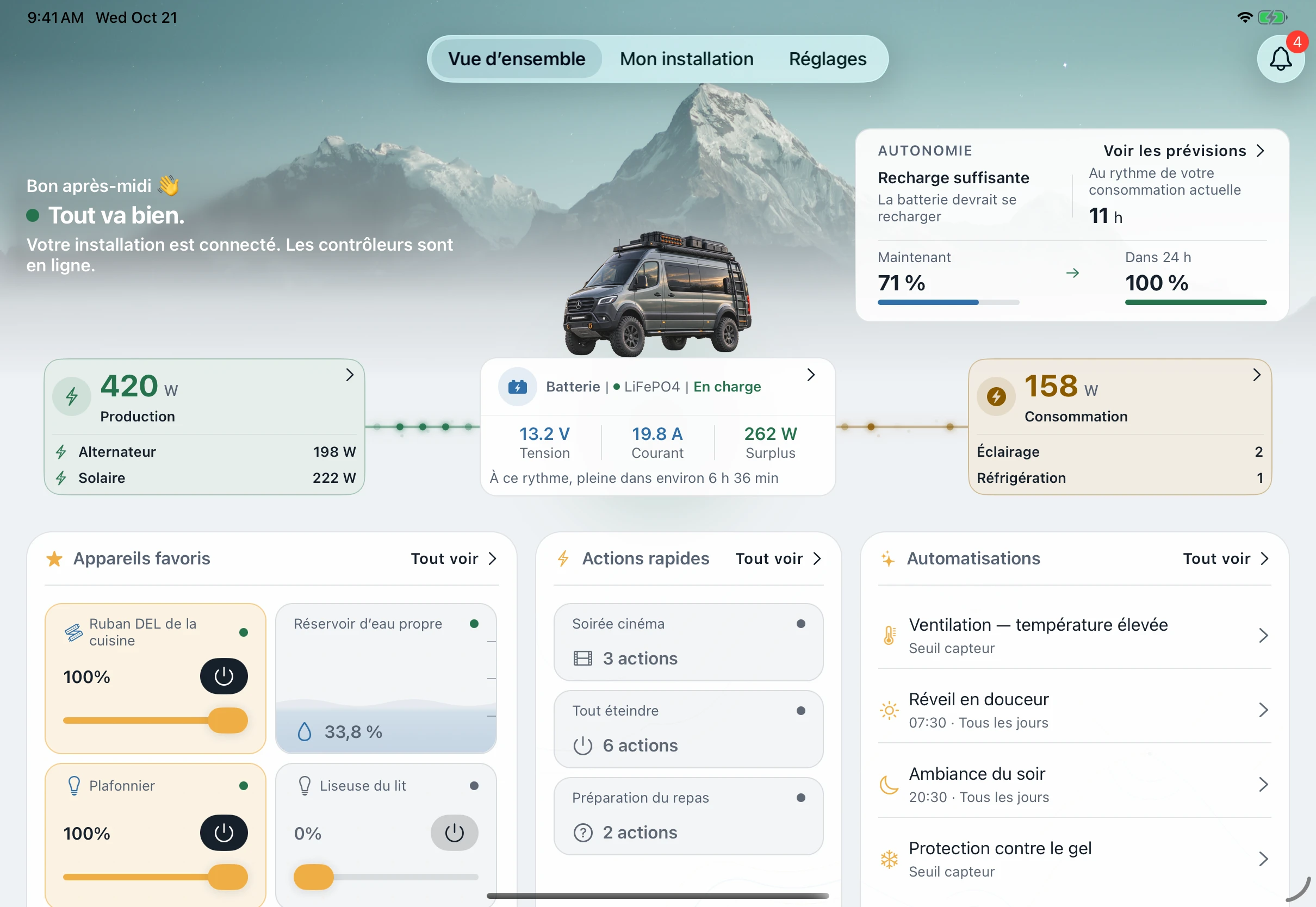
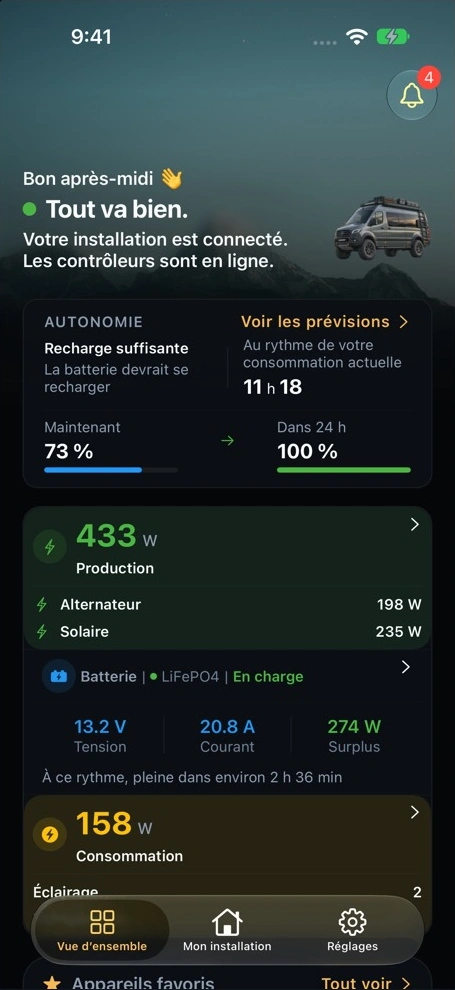
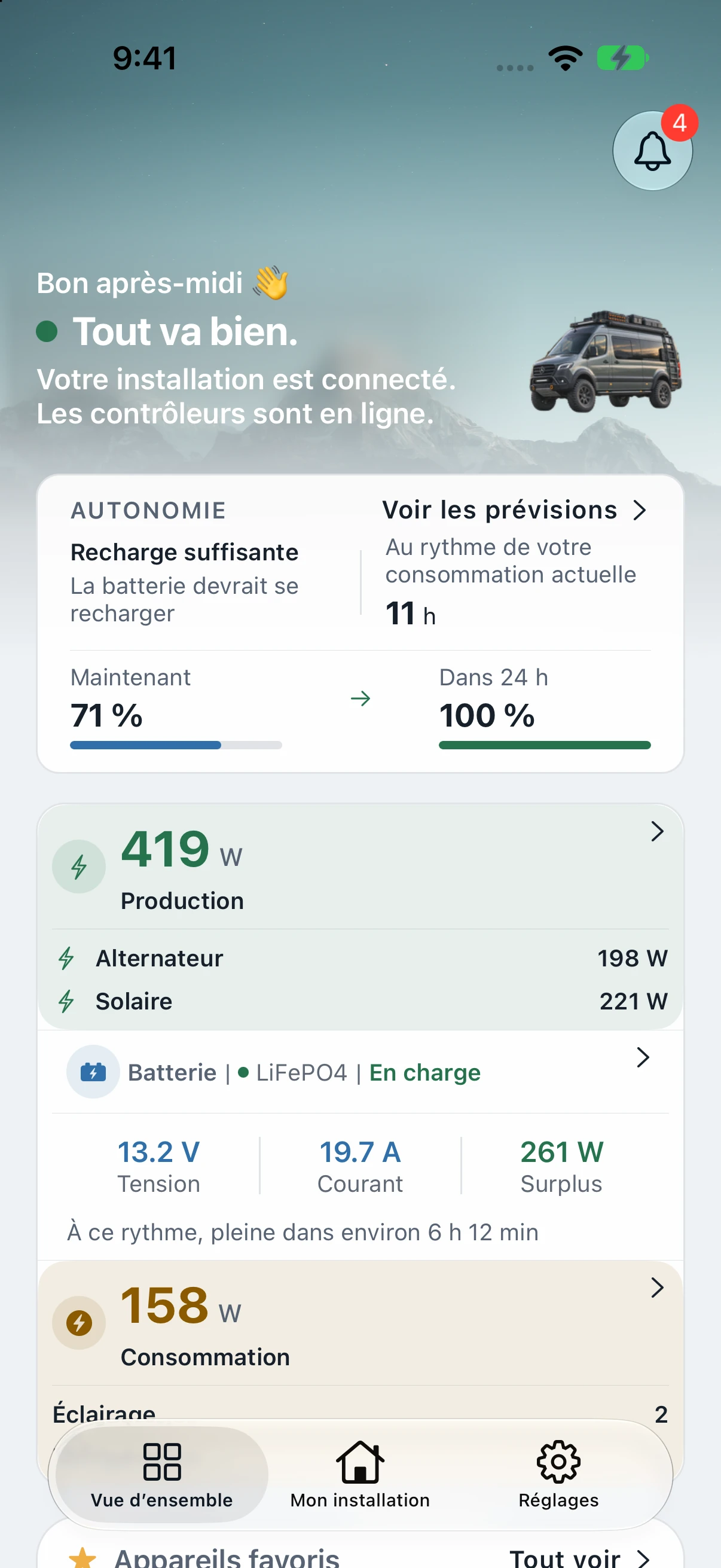
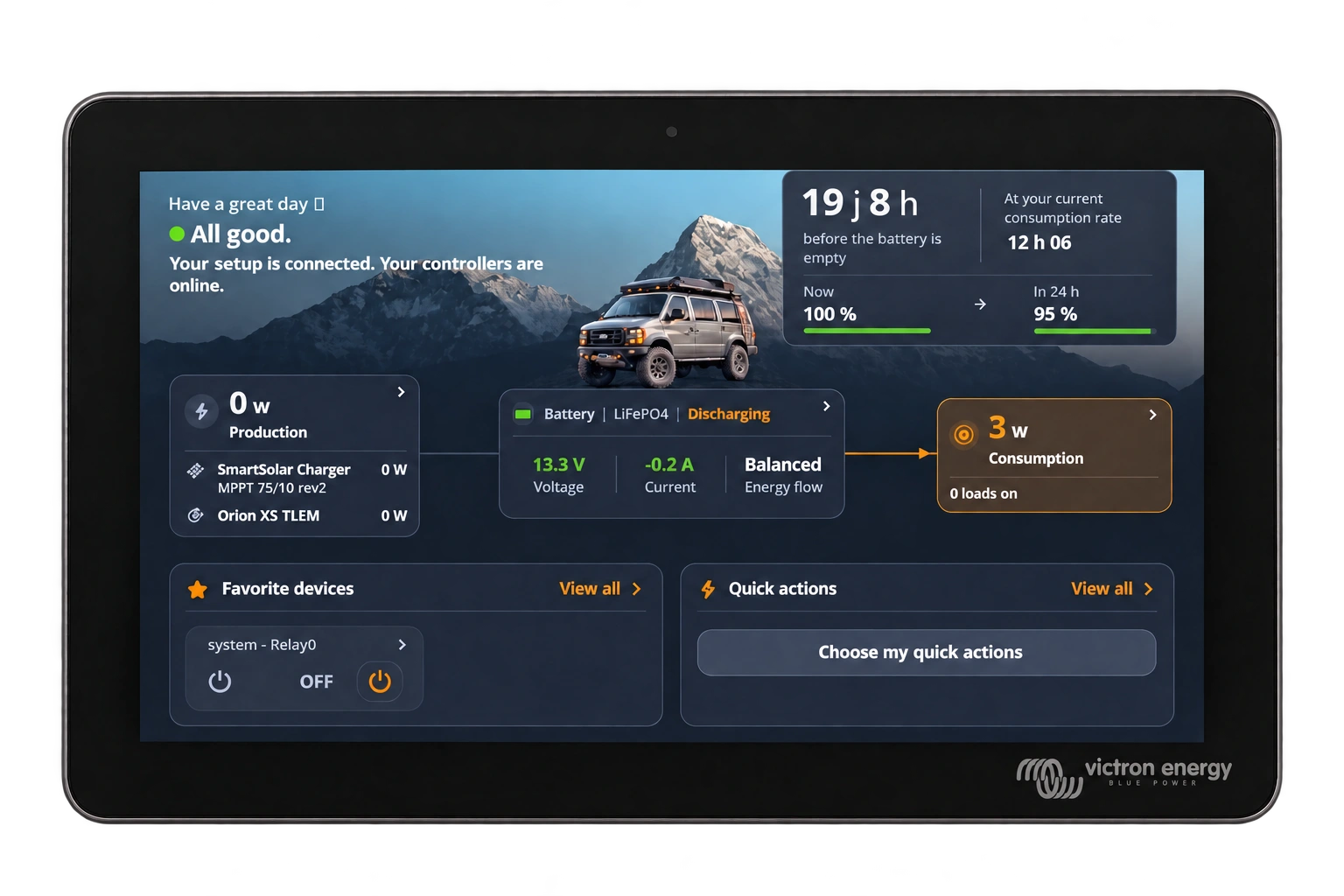
One interface, across your screens.
Access Mauty on a phone, tablet or display connected to the Hub. Reusing a Victron display depends on its model¹.
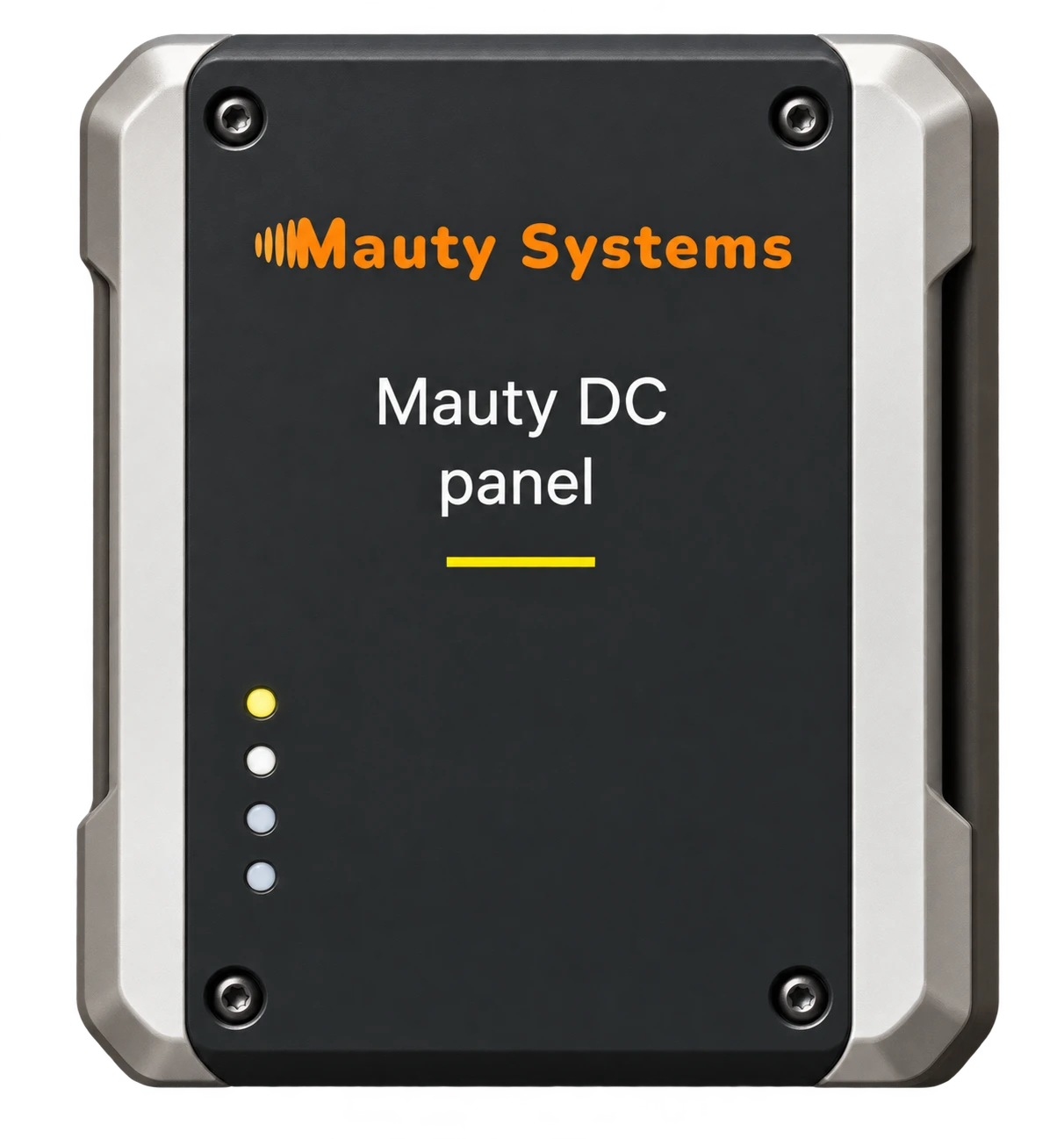
Mauty DC Panel2
A panel designed to distribute and monitor your DC circuits. It is being developed to monitor energy use and control equipment, circuit by circuit. Lighting, fridge, water pump: a clearer view of onboard energy.
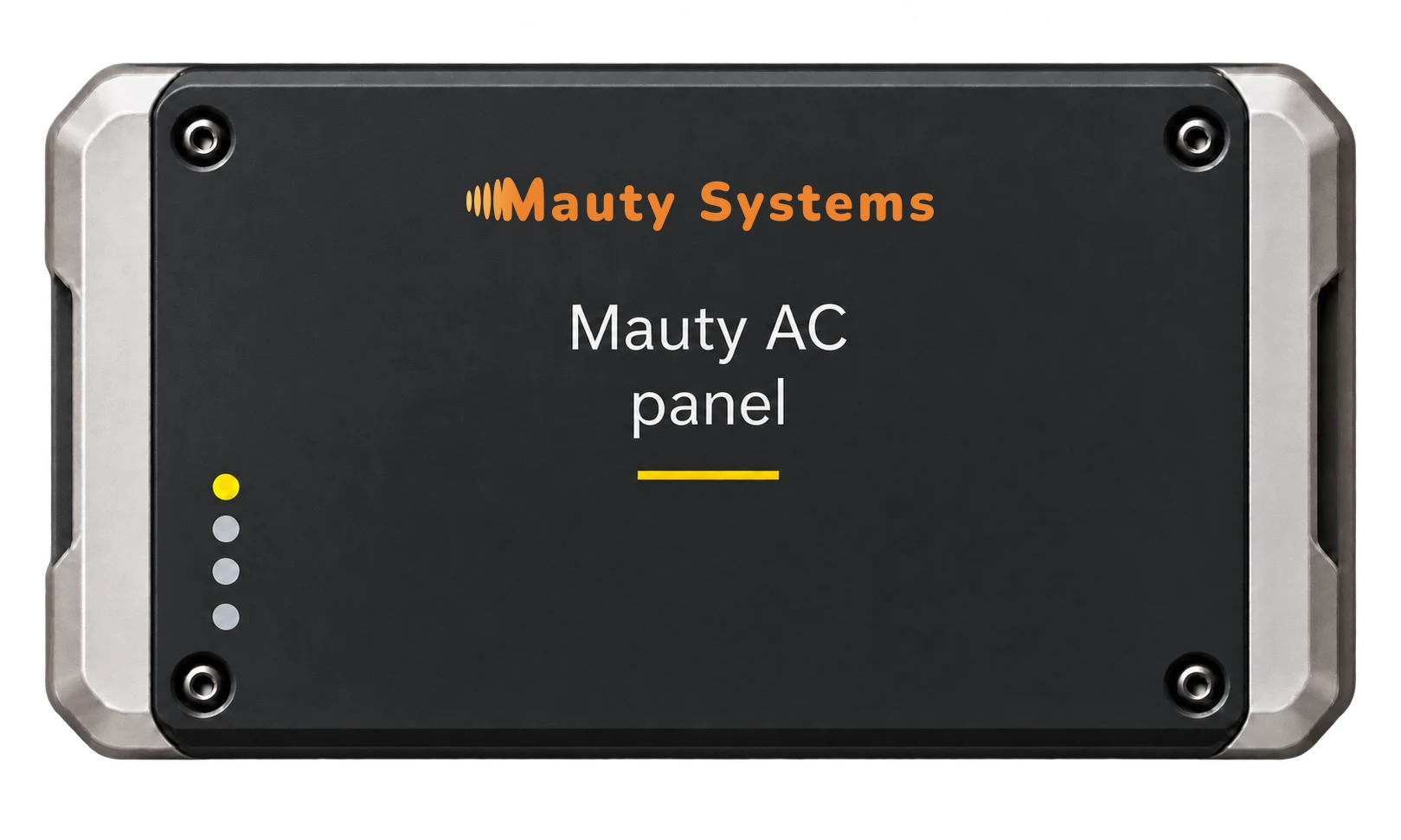
Mauty AC Panel3
A panel designed to monitor consumption and control alternating-current circuits: outlets and onboard equipment.
Endless possibilities.



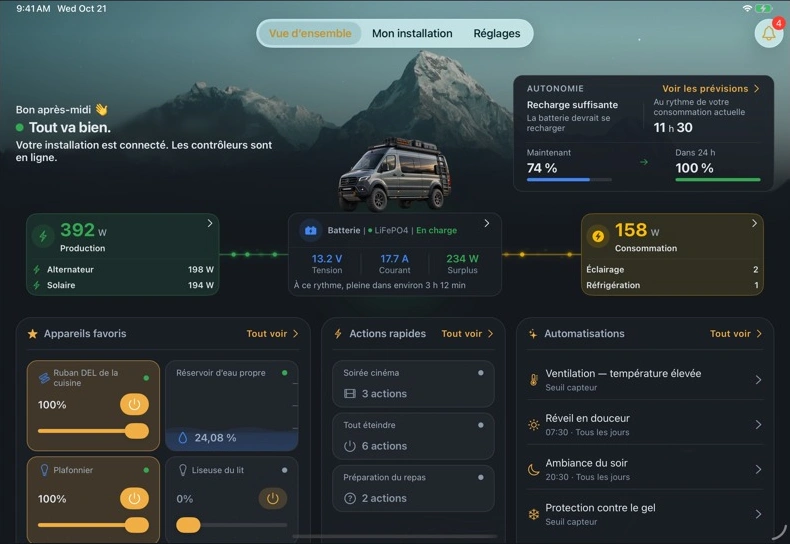
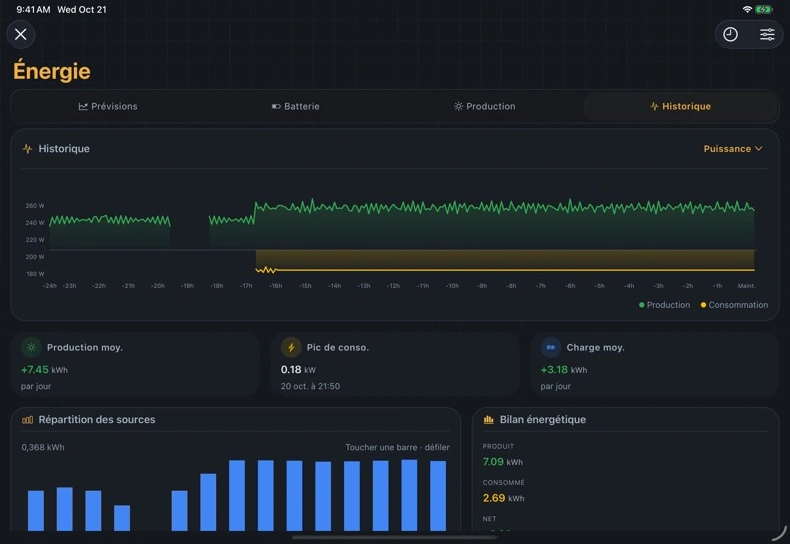
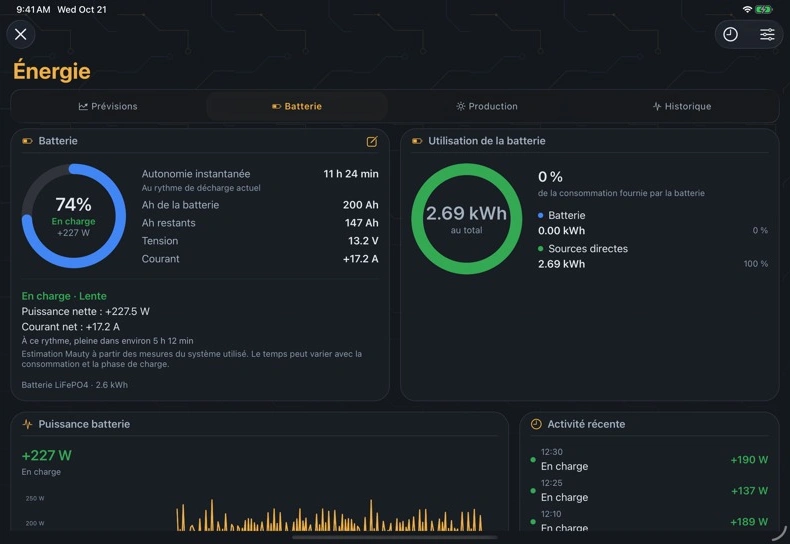





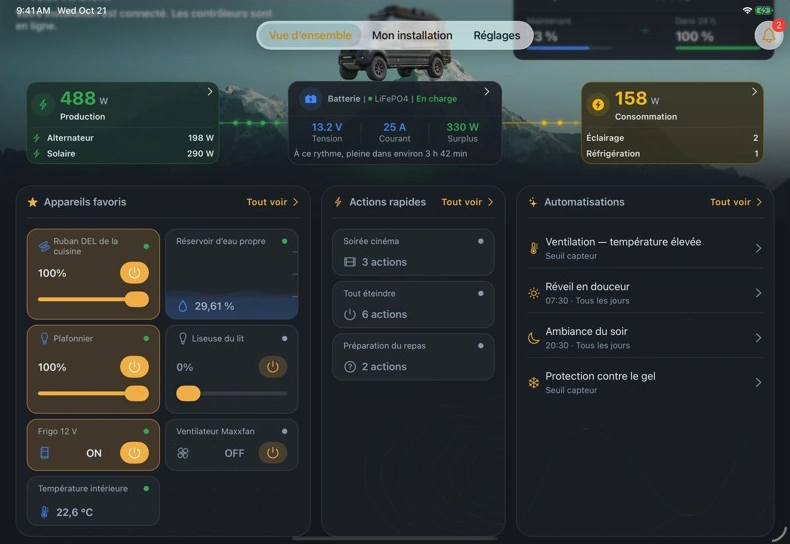
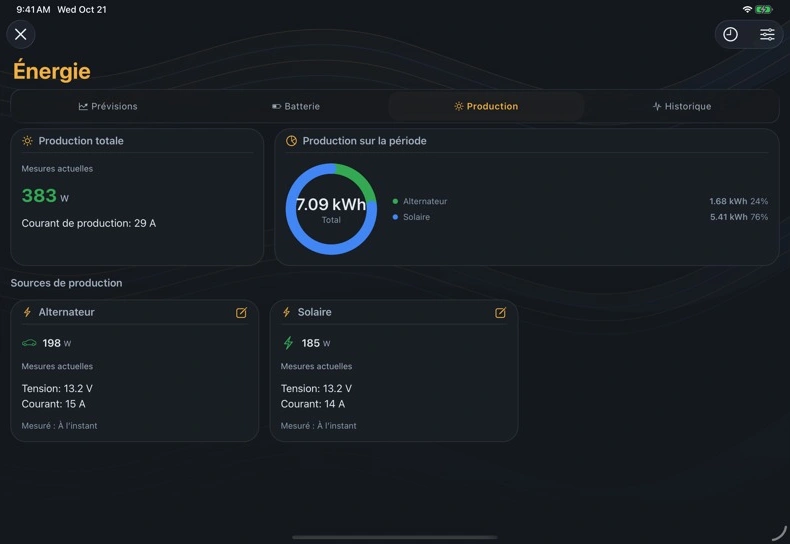
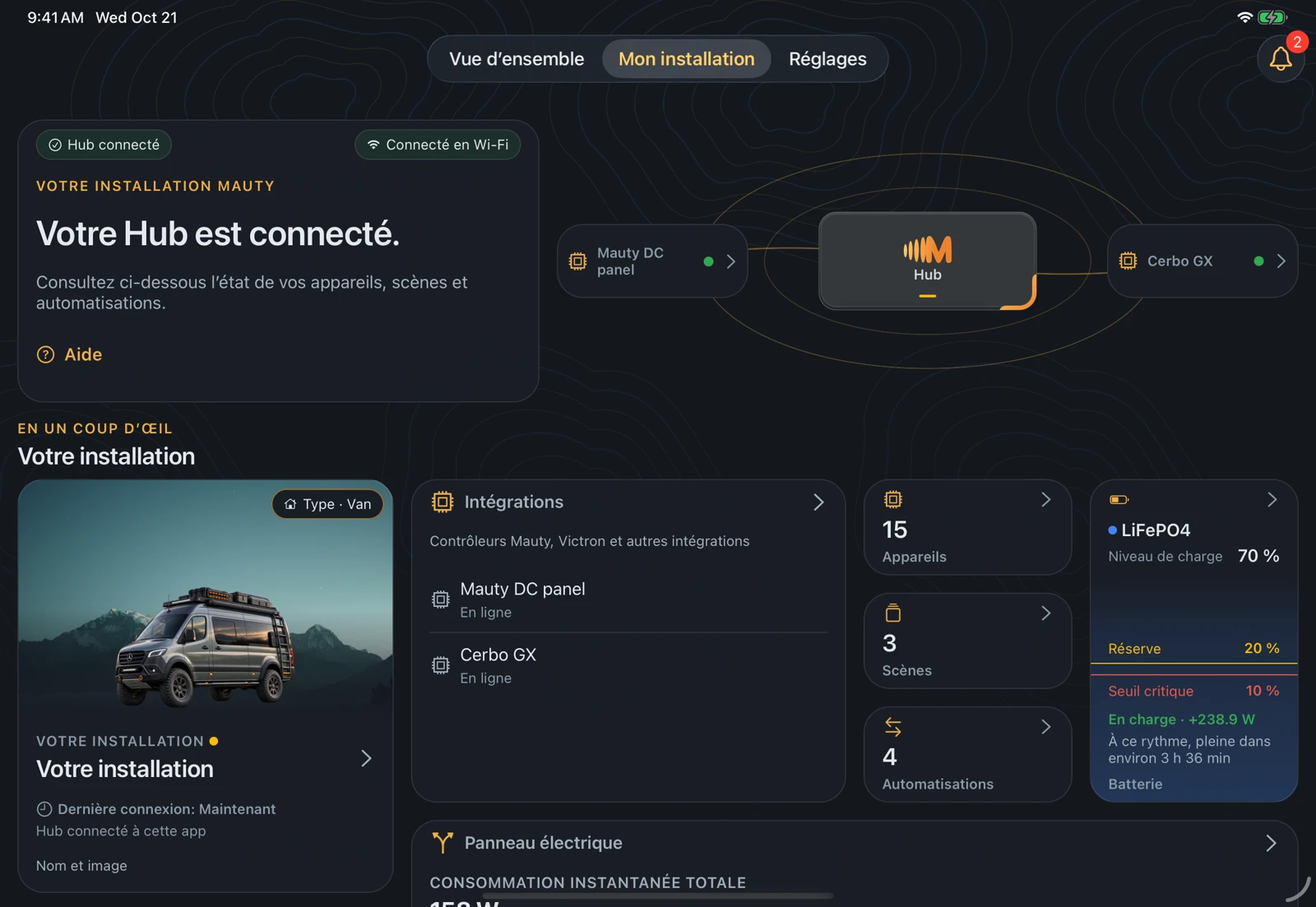

These visuals show examples of environments and uses. They do not represent qualified Mauty installations: equipment, functions and integrations are confirmed project by project.
Your questions about Mauty
Can I add Mauty to my existing system?
Yes, depending on the equipment already installed. Together with your installer, we assess how to add the Hub and compatible features without rebuilding your entire system.
Do I need a Victron system to use Mauty?
No. A Victron system is not required to use Mauty. Available features depend on the equipment integrated into your system.
Does Mauty work without Internet access?
Yes. You can view your system and use available controls while connected to the Hub on board. Remote viewing and control over the Internet are not currently available.
Can I try Mauty?
Yes, trials are available on request. We agree on the equipment and features to test together; DC/AC panels are still in development.
- 1 Using a Victron display depends on its model, connection and touch interface.
- 2, 3 DC Panel and AC Panel are in development. The render and animation show a concept; functions and specifications remain to be validated.